How to save TikTok recipes so you can actually cook them
TikTok's Favourites keep the video, so you end up scrubbing back and forth with floury hands. Here's how to save the recipe itself.
1. TikTok Favourites (free, built in)
Tap the bookmark on the right of a video and it goes to Favourites on your profile, where you can sort videos into collections. Fine for keeping track, but there's nothing to search and no written recipe to cook from.
2. Pause and write it down
It works, but it takes several replays per recipe and quantities are often said quickly or shown for a split second.
3. Share the video to a recipe app
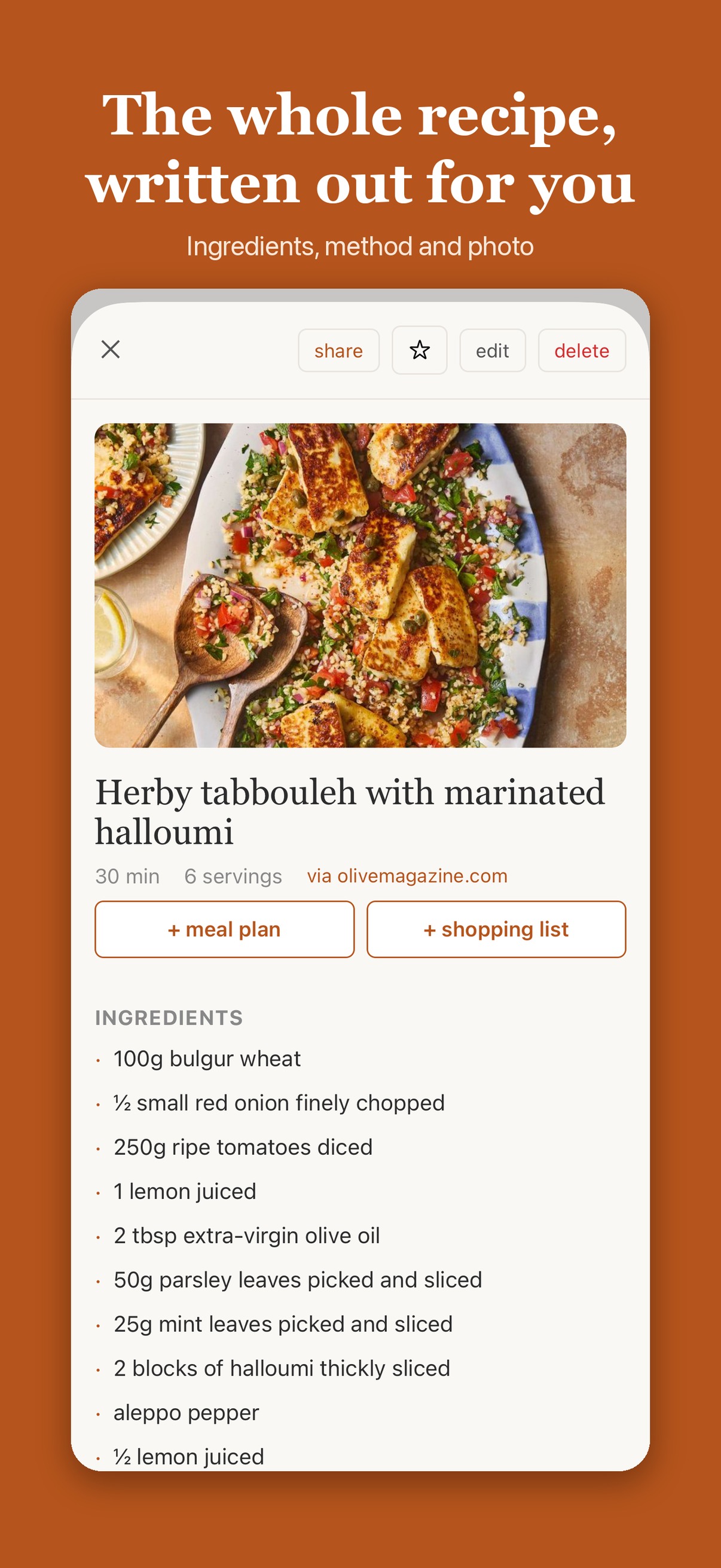
On iPhone, tap Share on the TikTok, then More (or Other apps), then The Larder. You get the ingredients and method as a written recipe. If the recipe is only spoken, Premium listens to the video and writes it out.
On a computer, copy the TikTok link and paste it into thelarder.app.
Then use it
Once it's a real recipe you can add it to a day in your meal plan, and every ingredient for the week lands on one shopping list.
The Larder turns recipe reels, TikToks and websites into real recipes in one tap. Free to start.
Get the iPhone appUse it on the webQuestions
Why don't I see The Larder in TikTok's share menu?
Tap More at the end of the share row, find The Larder and add it to your favourites so it shows first next time.
Does it download the video?
No. Only the written recipe is kept in your vault, with a link back to the original video.