The easiest way to organise recipes you've saved online
Most of us have recipes in five places: Instagram saves, TikTok favourites, screenshots, browser bookmarks and a cookbook or two. One place you can search beats all five.
Pick one home for recipes
Whatever you choose, a notes app, a spreadsheet or a recipe app, the rule is the same: if you'd cook it, it goes there, and nowhere else.
Get the backlog in
With The Larder you can share reels and TikToks straight in, paste website links, snap a photo of a cookbook page or recipe card, or paste text. Screenshots work too: choose from a photo.
Make it findable
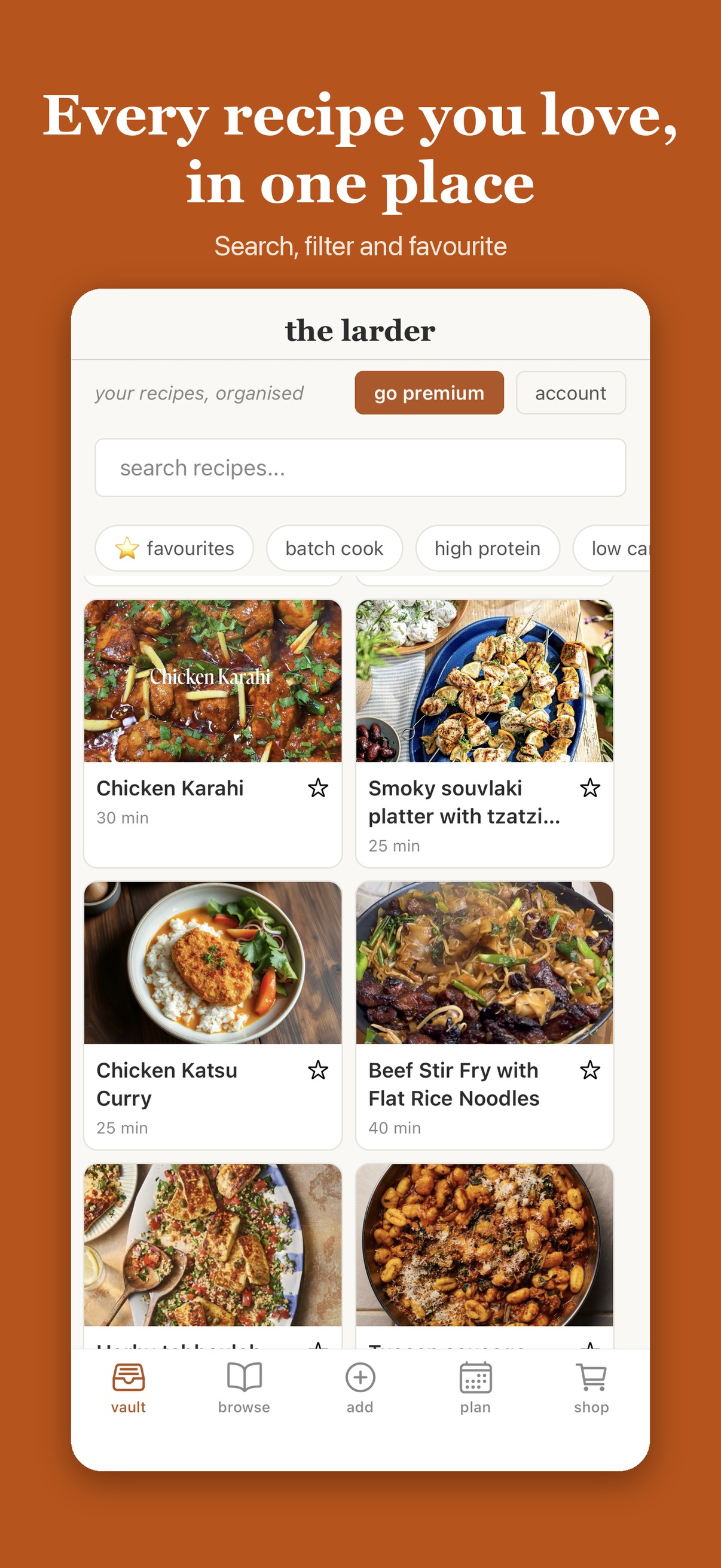
Search by ingredient, star favourites and filter by tags like high protein or batch cook. Then turn the week's picks into a plan and one shopping list.
The Larder turns recipe reels, TikToks and websites into real recipes in one tap. Free to start.
Get the iPhone appUse it on the webQuestions
Can I add family recipes?
Yes. Type them in by hand (always free) or take a photo of the card.
Can I share a recipe with someone who doesn't have the app?
Yes. Every recipe has a share link that opens as a normal web page, with an option to save a copy.